
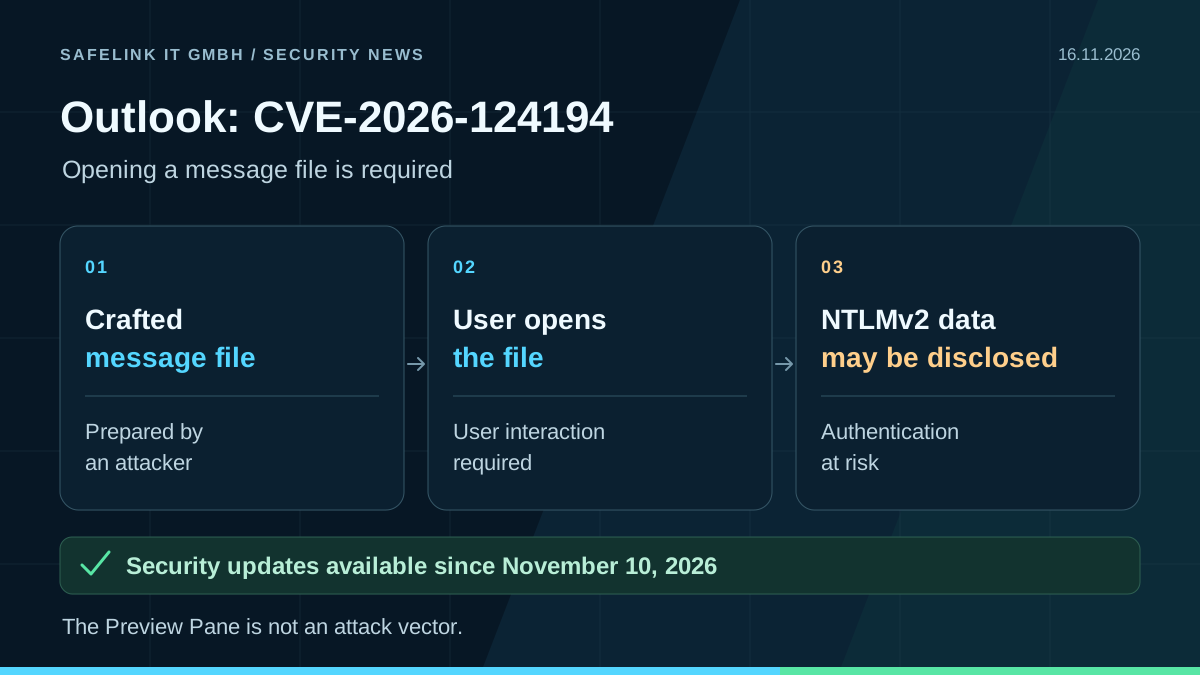
Opening a message file is required
Microsoft fixed CVE-2026-124194 with Office security updates on November 10, 2026. The Outlook vulnerability is already being actively exploited.
An attacker must persuade a user to open a crafted message file in an affected Outlook version. Outlook may then connect to an attacker-controlled network destination without the usual external-content warning. Disclosed NTLMv2 authentication data can be abused to impersonate the user.
The Preview Pane is not an attack vector for this vulnerability. The attack requires user interaction and network connectivity; merely receiving a message is not enough.
Update affected Office installations
Microsoft lists the 32-bit and 64-bit editions of Microsoft 365 Apps for Enterprise, Office LTSC 2021 and Office LTSC 2024 with Outlook as affected.
- Microsoft 365 Apps: install the November 10 security update for the deployed update channel and supported version, or a newer security build. Build numbers differ by channel.
- Office LTSC 2021: at least build 16.0.14334.21048.
- Office LTSC 2024: at least build 16.0.17932.21140.
Verify installation and investigate suspected exposure
Inventory the Office edition, update channel and installed build. Include workstations and shared RDS and VDI installations; follow up on paused update rings and devices that were offline. After updating, fully restart Office applications and verify the installed build. A successful Windows update does not confirm the Office patch level.
Do not open unexpected message files. If an attack is suspected, correlate outbound authentication connections with the opening of those files and investigate affected devices and accounts through the established incident response process.