
Situation
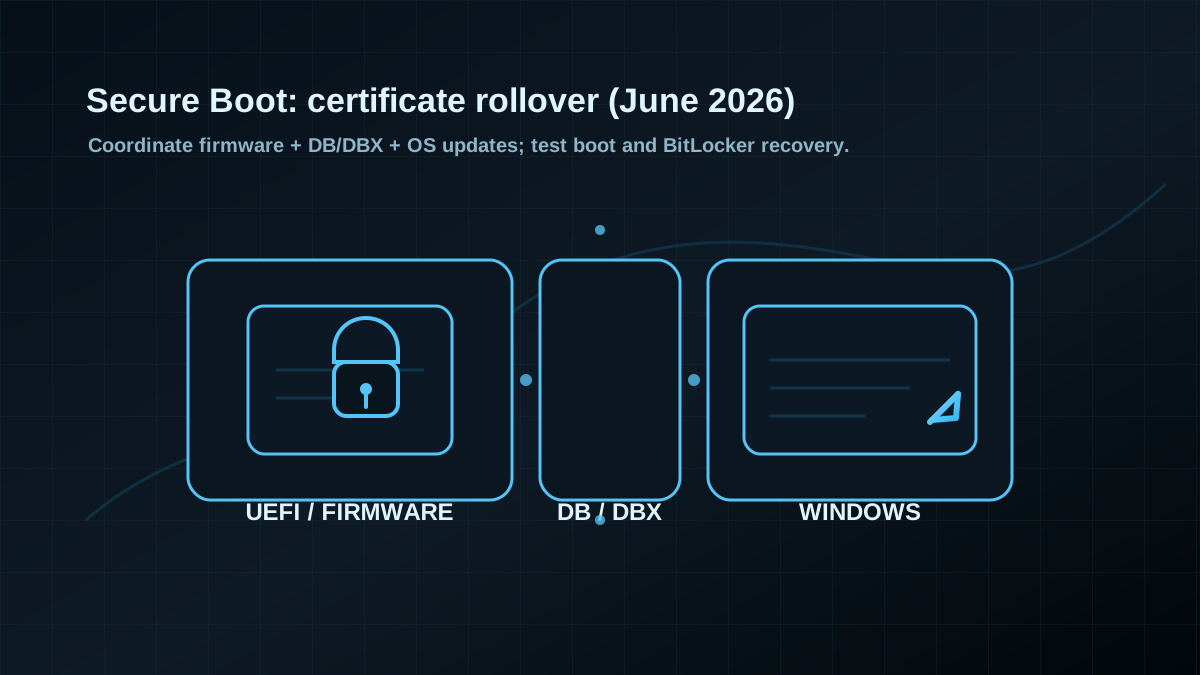
Many environments still run a mix of older UEFI/firmware versions, OEM-specific Secure Boot DB/DBX states, and inconsistent boot/recovery configurations. With older Secure Boot certificates expiring from June 2026, the likelihood of boot failures and BitLocker recovery prompts increases during Windows updates and firmware rollouts.
This is best handled in a controlled pilot wave, not as a surprise in the next regular patch window.
Practical next steps (1–2 maintenance windows)
- Build an inventory: device models, UEFI versions, Secure Boot on/off, BitLocker on/off, and how the fleet is managed (Intune/SCCM/WSUS).
- Define a pilot ring: representative devices plus known “risk candidates” (older hardware, custom images, dual-boot, non-standard bootloaders).
- Verify recovery readiness: recovery keys are centrally available; owners/process are clear; access works even under helpdesk pressure.
- Coordinate firmware + OS: align firmware update waves with Windows update rings (avoid rolling both blindly at once).
- Prepare rollback/breakglass: a boot/recovery playbook (who does what, in which order), including offline access and remote hands.
Quick verification (no tooling circus)
- Validate Secure Boot status and document it for a sample fleet (not just a single dashboard “green”).
- For BitLocker, retrieve and confirm recovery keys via spot checks.
- Make UEFI/firmware version spread visible; flag end-of-life platforms early.
If you only prioritize one thing: pilot ring + recovery process. That’s the fastest operational risk reducer.