
Where the risk shows up
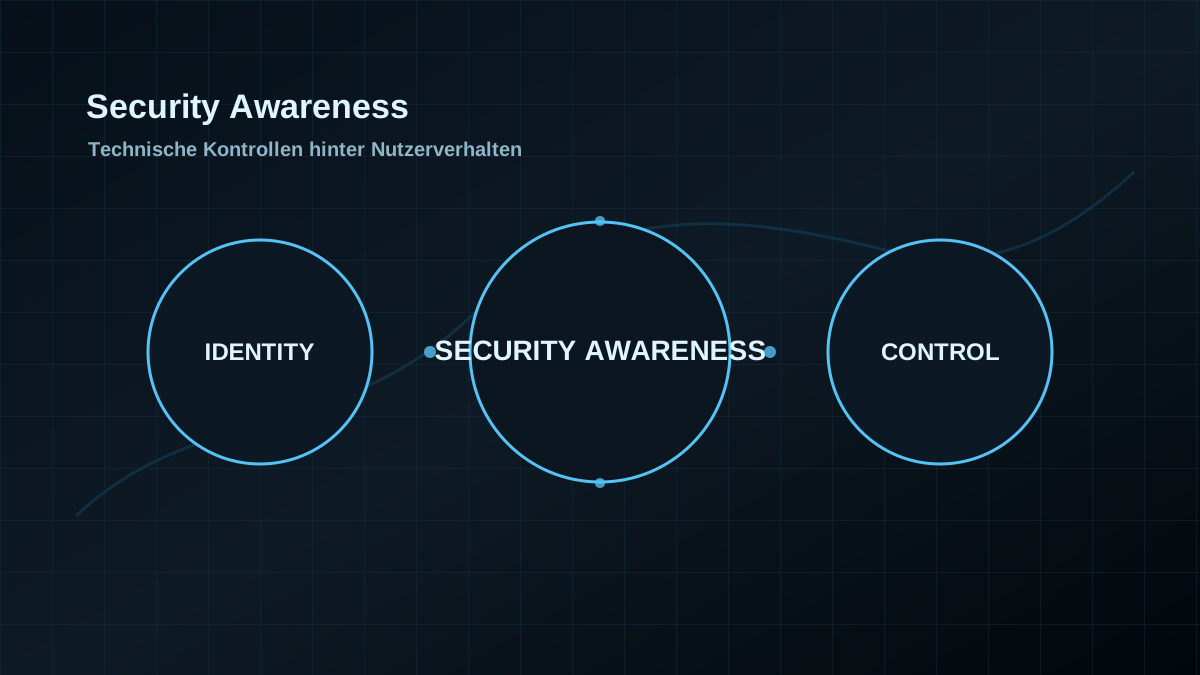
Awareness programs become weak when they rely only on behavior. Good programs connect training with technical controls: secure mail gateways, clear reporting paths, MFA, restrictions on dangerous file types and fast analysis of suspicious events.
The goal is not blame, but an environment where misclicks cause less damage.
Checks worth doing
- Keep reporting paths simple and visible
- Connect phishing simulations to technical measures
- Use MFA and Conditional Access as fallback controls
- Review mail and browser protection regularly
- Align metrics with real risk reduction
What gets better
- User reports become actionable faster because the technical intake path is clear.
- Mail, browser and identity controls catch mistakes before a click turns into an incident.
- Awareness becomes measurable beyond training completion: report time, report quality and technical block rates matter.
Where it can hurt
- Too many warnings create fatigue. Good awareness uses fewer, clearer signals.
- Phishing simulations without technical follow-up create frustration and little risk reduction.
- If user reports disappear in the helpdesk queue, people quickly learn that reporting has no value.
Checks before rollout
- Is there a simple report path from mail client and browser?
- Who reviews reported messages and how fast does that happen?
- Which technical controls react after a report?
- Are simulation results translated into mail, DNS, browser and identity controls?