
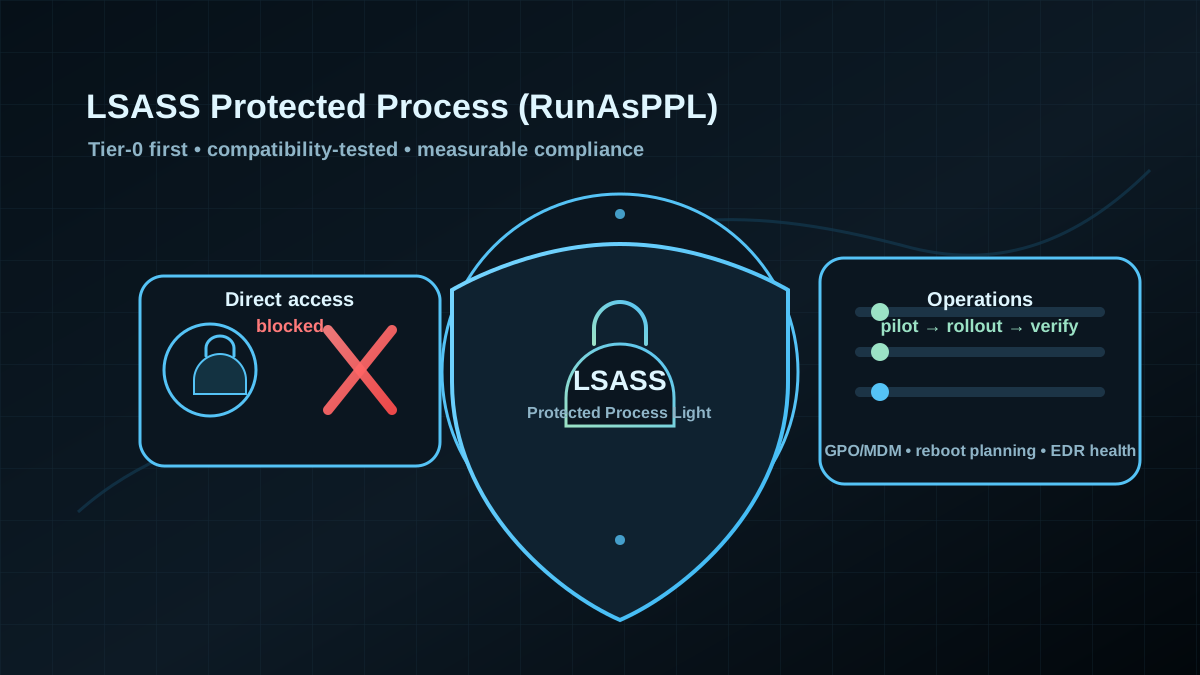
Starting point: LSASS is valuable — even without “malware drama”
In real AD environments, credentials and derived secrets end up in places that feel normal: admin logons to servers, scheduled tasks, service accounts, remote management sessions, helpdesk work, break-glass accounts. From an attacker’s perspective, access to LSASS is attractive because it can enable lateral movement or privilege escalation with a relatively short path.
Many mitigations are primarily organizational (“admins shouldn’t log on to random endpoints”). That is correct — but rarely perfect on day one. RunAsPPL is a pragmatic hardening control that meaningfully increases the cost of credential theft on Windows systems, as long as you roll it out in a controlled way.
Target state: LSASS runs as Protected Process Light — compatible and provable
A solid target state is not “set one registry value everywhere”, but:
- Tier-0 and admin endpoints first (DCs, admin workstations, management servers).
- Compatibility is validated (AV/EDR, credential providers, smartcard/SSO add-ons, monitoring).
- Enforcement and drift control via GPO/endpoint management with measurable compliance.
- Rollback is planned for specific OUs/device groups, without stopping the whole program.
RunAsPPL is not magic. It is a strong building block — inside a broader Tier-0 hardening story.
Implementation: controlled rollout, not a “flag day”
1) Cut scope properly (where you get the highest value)
Pragmatic prioritization:
- Tier 0: Domain Controllers, PAWs/SAWs, jump hosts, management servers.
- Tier 1: servers that routinely see admin logons (file/SQL/app), Citrix/RDS hosts.
- Tier 2: standard clients (often later, depending on tooling compatibility).
RunAsPPL matters most where privileged logons happen. Start there.
2) Enable via policy (preferred) or registry (targeted verification)
The preferred path is central policy because it gives you scope control and drift resistance. Depending on Windows version/ADMX, this is typically a Local Security Authority setting (conceptually “configure LSASS to run as a protected process”).
For technical verification, the registry state is relevant:
Get-ItemProperty -Path 'HKLM:\SYSTEM\CurrentControlSet\Control\Lsa' -Name RunAsPPL,RunAsPPLBoot -ErrorAction SilentlyContinueOperational reality:
- The change typically requires a reboot.
- Treat it as pilot → wave 1 → wave 2, not a one-shot change.
3) Test compatibility (this is where most time goes)
Failures are rarely “Windows can’t do it” — they tend to be edge integrations:
- AV/EDR: may require compatible drivers/signing; otherwise you lose visibility or protection capabilities.
- Credential providers / SSO add-ons: third-party logon components can be impacted.
- Legacy admin tooling: some legitimate debugging/dump workflows behave differently or break.
- RDS/Citrix: many logons and third-party integrations → a great pilot group if you control it.
Recommendation: pilot OU with representative systems and “typical admin users” (including smartcard/Hello if used).
4) Prove it in operations: measure, don’t assume
For governance you need per-system-class evidence:
- policy status (GPO/MDM compliance)
- registry status (
RunAsPPL*) - operational signals after rollout (helpdesk tickets, EDR health, auth issues)
Also ensure Tier-0 endpoints don’t drift out of scope (OU drift, newly provisioned jump hosts, newly built DCs).
Pros (explicit)
- Raises the bar for credential theft: direct access to LSASS becomes significantly harder.
- Good complement to NTLM/Kerberos hardening: even with cleaner protocols, logons remain a target.
- High Tier-0 value: especially impactful on admin endpoints and DCs.
- Drift-resistant with policy-based rollout: clear, auditable state.
Cons and limits (explicit)
- Compatibility risk: EDR/AV and third-party logon components are common friction points.
- Reboot planning: requires maintenance windows, especially for servers/DCs.
- Not the same as “Credential Guard”: RunAsPPL hardens LSASS process access; it does not equal isolated secret processing.
- Not a replacement for tiering/logon controls: if admins still do interactive work everywhere, risk remains — just harder to exploit.
Common project pitfalls
- “Just enable it everywhere” without a pilot: you’ll trip over EDR/SSO edge cases.
- Only focusing on clients: server/admin endpoints usually matter more.
- Bundling it with other big changes: RunAsPPL + auth changes + EDR migration in one wave makes troubleshooting painful.
- No rollback path: the first incident pauses everything instead of targeted reaction.
- Drift via new builds: without baselines/compliance, fresh systems miss the target state.
Project checklist (delivery and operations)
- [ ] Tier-based target scope defined (Tier 0/1/2) incl. OU design.
- [ ] Compatibility matrix done (EDR/AV, credential providers, smartcard/Hello, RDS/Citrix, monitoring).
- [ ] Pilot OU rolled out incl. reboot plan and clear success criteria.
- [ ] Rollout waves planned (Tier 0 first), including per-OU/group rollback.
- [ ] Operational proof defined (policy/registry state + EDR health + ticket signals).
- [ ] New builds/golden images aligned so the baseline doesn’t drift.