
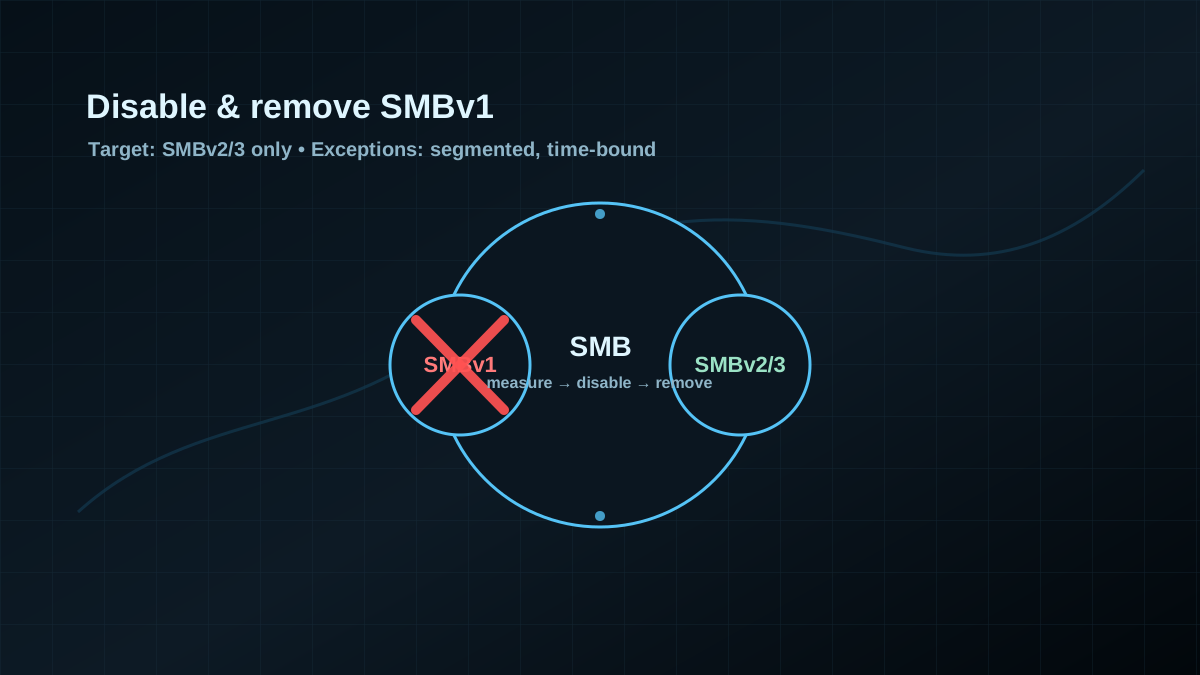
Starting point: SMBv1 is rarely “required”, but often still present
In many AD environments SMBv1 is “officially disabled” — until you look at edge cases: old NAS/backup appliances, forgotten server roles, stale golden images, embedded devices, scanners, or simply systems that never got modernized.
The issue is not just “legacy”. SMBv1 is operationally toxic:
- Weak protocol baseline: old dialects, limited protection, bad defaults.
- Hidden dependencies: SMBv1 tends to live where no one is monitoring closely.
- Tier-0 relevance: DCs, admin endpoints, management servers — this is not where you accept legacy protocols.
This is why SMBv1 hardening is not a one-liner. Treat it as a controlled decommissioning: discover, isolate, replace, remove.
Target state: SMBv2/SMBv3 only, legacy survives only as a planned exception
A good target state is measurable:
- SMBv1 is disabled on clients and servers (client + server components).
- The SMBv1 feature is removed where possible (Optional Feature / Windows Feature).
- No productive file or admin paths depend on SMBv1.
- Exceptions are segmented (dedicated VLANs/firewall rules) with an owner and a sunset date.
“Disabled” is better than “not used”, but “removed” is better than “disabled” because it reduces drift.
Baseline: measure first, then switch
If you just flip SMBv1 off, you’ll either get silence (lucky) or production tickets. A better approach:
1) Per-system state (client, server, feature)
On Windows, you can check SMBv1 pragmatically like this:
Get-SmbServerConfiguration | Select-Object EnableSMB1Protocol, EnableSMB2Protocol
Get-SmbClientConfiguration | Select-Object EnableSMB1Protocol, EnableSMB2Protocol
Get-WindowsOptionalFeature -Online | Where-Object FeatureName -like 'SMB1Protocol*' | Select-Object FeatureName, State
Interpretation:
EnableSMB1Protocol = Trueis a clear hardening finding.SMB1Protocol*features in stateEnabledmeans the component is present and can come back via drift.
2) Make dependencies visible (this is the real work)
SMBv1 dependencies are usually not documented in GPOs — they show up in operations:
- Which NAS/appliances still speak SMBv1?
- Which backup/archive/scan workflows rely on it?
- Do you still have old member servers or legacy VMs that never got updated?
Use your existing telemetry (EDR, network monitoring, firewall logs) to identify who talks SMB to whom, and which endpoints are truly “legacy”.
Implementation: phased rollout (pilot → broad rollout → removal)
Phase 0: define scope and rollback
- Define a pilot OU (workstations + a few servers) and a rollback path.
- Identify Tier 0 systems (DCs, admin endpoints, management). For Tier 0: no SMBv1 exceptions without explicit risk acceptance.
Phase 1: hard-disable SMBv1 on Domain Controllers and admin endpoints
For Tier-0 systems, SMBv1 is typically safe to disable immediately:
Set-SmbServerConfiguration -EnableSMB1Protocol $false -Force
Set-SmbClientConfiguration -EnableSMB1Protocol $false
Then remove SMBv1 as a feature where possible:
Get-WindowsOptionalFeature -Online | Where-Object FeatureName -like 'SMB1Protocol*'
Disable-WindowsOptionalFeature -Online -FeatureName SMB1Protocol -NoRestart
Note: feature names differ across Windows versions. Always check via Get-WindowsOptionalFeature first, then disable the actually present SMB1Protocol* features.
Phase 2: broad rollout via GPO/endpoint management (idempotent)
In typical AD projects a computer startup script (or an endpoint-management remediation) is often the most robust path:
- enforces
Set-SmbServerConfiguration/Set-SmbClientConfiguration - removes SMBv1 features when present
- stays idempotent and scope-controlled via OUs
Separate “disable” (lower risk) from “feature removal” (cleaner end state, slightly more change). Many teams remove the feature in a second wave after a clean pilot.
Phase 3: isolate legacy endpoints instead of keeping permanent exceptions
If a device “needs SMBv1”, that’s an architecture issue:
- move it into a legacy segment
- allow only minimal SMB connectivity to precisely defined targets
- plan replacement/upgrade and set a sunset date
Permanent SMBv1 exceptions without segmentation create a legacy shadow network and make later hardening steps unnecessarily painful.
Pros (explicit)
- Reduced attack surface: SMBv1 disappears from the footprint.
- Less drift: removing the feature prevents accidental re-enablement via images/roles.
- Cleaner baselines: SMBv2/3-only makes SMB hardening more consistent.
- Explicit exceptions: SMBv1 usage becomes visible and forces conscious decisions.
Cons and limits (explicit)
- Legacy devices may break: especially old NAS/appliances/scanners with no update path.
- Dependencies are often undocumented: inventory and telemetry take time.
- SMBv1 removal doesn’t replace other baselines: signing, least privilege on shares, segmentation and admin tiering are still required.
Common project pitfalls
- Only looking at the server side: SMBv1 can remain enabled as a client component.
- Disabling but not removing: SMBv1 comes back later through image drift.
- Not testing file services and backup paths: appliances often hide here.
- Permanent exceptions without segmentation: creates an implicit legacy core.
- No tier-aware scoping: admin endpoints get treated like normal clients.
Project checklist
- [ ] Tier-0 systems defined (DCs, admin endpoints, management) with a “no SMBv1” baseline.
- [ ] Baseline collected per system class:
EnableSMB1Protocol(client/server) +SMB1Protocol*feature state. - [ ] Telemetry used to identify SMBv1 dependencies (devices/appliances).
- [ ] Pilot OU executed: disable first, then remove the feature.
- [ ] Broad rollout: idempotent GPO/endpoint management + image/template cleanup.
- [ ] Legacy exceptions: segmented, minimal allow rules, owner + sunset date documented.